Chikiri Chikiri Gemini AI Photo Editing Prompt for Girls Copy Paste
Hello Friends, Thanks for visiting Ethical Founder! Want to transform yourself into that iconic Chikiri Chikiri dance look from the Peddi song? We’ve got the perfect solution using Gemini AI Photo Editing that actually works! This isn’t your typical Gemini AI Photo Prompt that generates images from scratch—this is way better and gives you real results with your own face.
How to Create Your Chikiri Chikiri Gemini AI Photo Editing Prompt for Girls?
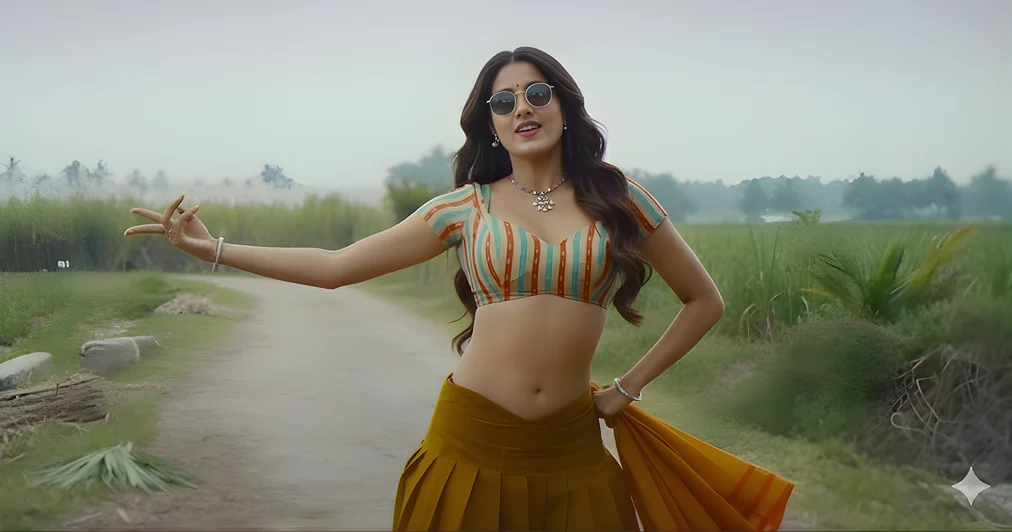
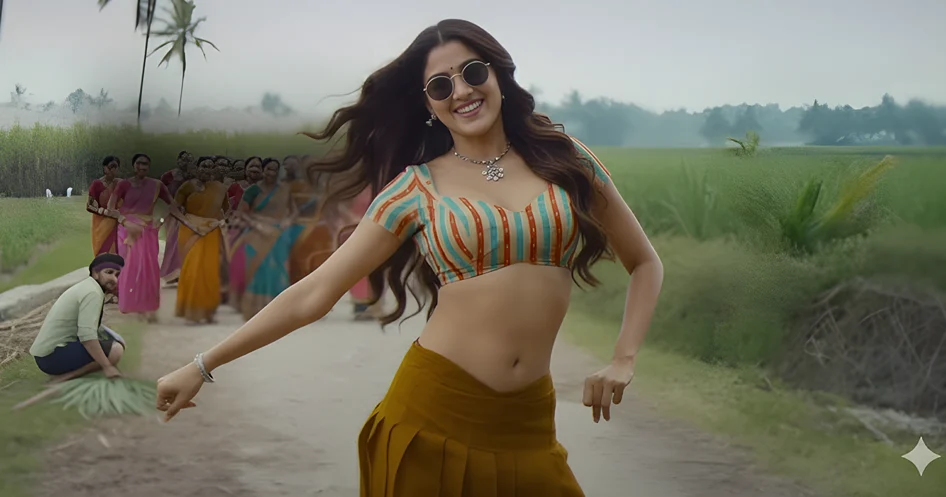
- Download the reference image – Right-click on the Chikiri Chikiri dance photo above and select “Open in new window” then download it
- Login to Google Gemini Image Editor (not the text generator!)
- Upload the reference image first and type “Wait for my next input and image”
- Upload YOUR photo along with the copy-paste prompt below
- Keep trying! Sometimes it fails on the first attempt. We generated our perfect images after 3-4 tries in fresh new chats, so don’t give up!
Our Journey with Gemini Chikirii Chikiri Photo Editing
Let me be honest with you—we spent hours trying to create these Chikiri Chikiri dance images using Google Gemini image generator with detailed prompts. We tried multiple times with different wordings, camera angles, and descriptions but failed repeatedly. The results were either completely off or didn’t capture that authentic Peddi song vibe at all. That’s when we discovered the game-changer: Google Gemini Image Editor! Instead of generating images from text prompts, we used the reference image method where Gemini blends your photo with a reference style image. This approach worked like magic and gave us exactly what we wanted—that perfect village celebration dance look with all the right styling, pose, and energy!
What This Gemini AI Photo Prompt Actually Does
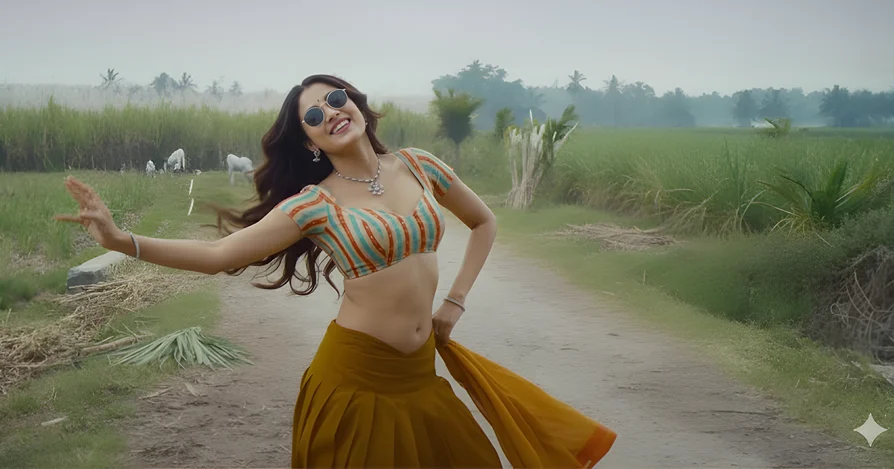
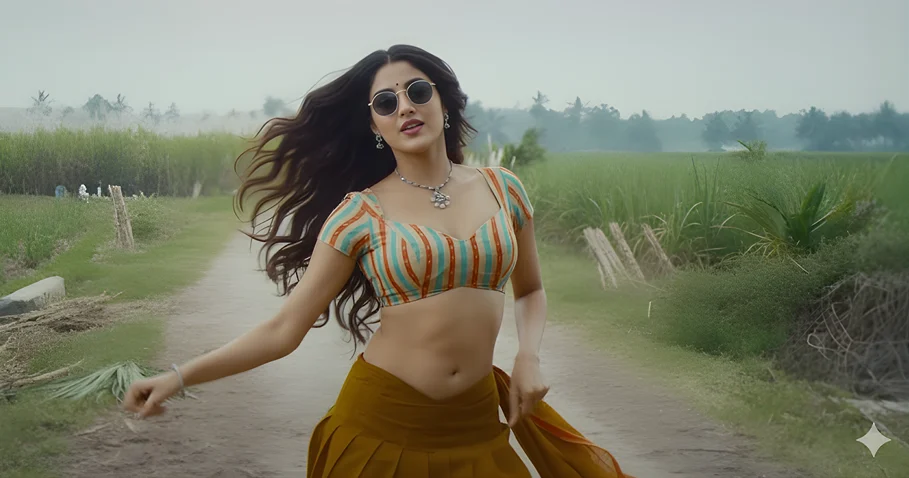
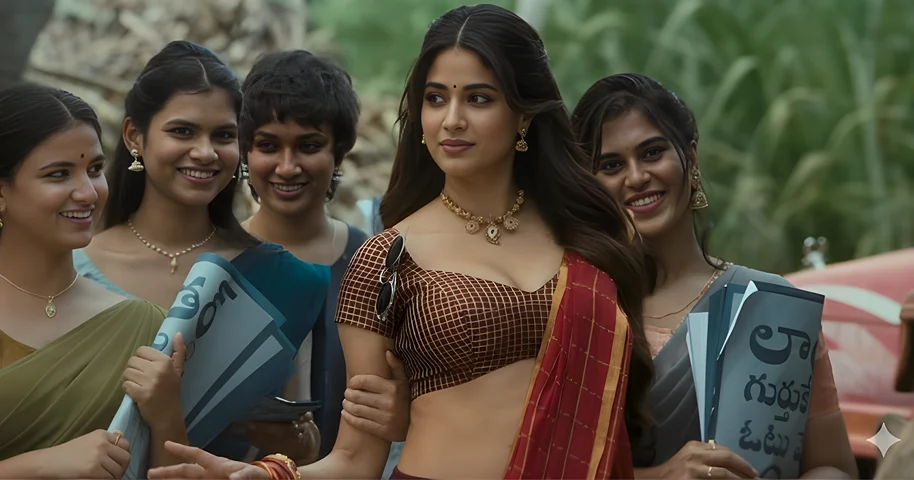
When you use our Gemini Chikirii Chikiri Photo Editing prompt with the reference image, here’s the magic that happens: Gemini takes your face from your uploaded photo and seamlessly replaces the face in our dance reference image while keeping YOU looking exactly like yourself. It matches the outfit styling—that vibrant striped crop top and mustard yellow saree—to fit your body naturally. The best part? It keeps the entire dance pose, the dynamic movement, the village road background, and that signature Chikiri Chikiri dance energy intact. You’ll look like you’re actually in that Peddi Chikiri Chikiri song scene, dancing with the same confidence!
Check these Image Prompts too…
Important Things to Remember
- This is IMAGE EDITING, not text-to-image generation—you’re merging and replacing elements, not creating from scratch
- You need 2 photos: Your own photo (any pose with clear face works!) + our downloaded Chikiri Chikiri reference image
- The prompt tells Gemini to blend: Your face and identity stay the same while adopting the reference image’s pose, styling, background, and overall vibe
Gemini AI Photo Editing Prompt for Girls “Copy Paste Prompt”
“Replace the woman’s face in the reference image I provided earlier with my face from this photo I’m uploading now. Keep my exact facial features, skin tone, and identity. Apply the same dynamic dance pose, vibrant orange-teal striped blouse with short sleeves and mustard yellow saree styling from the reference image to my body. Keep the village road background with blurred crowds and the energetic Chikiri Chikiri dance movement exactly as shown in the reference. Make my face look natural and realistic in this dance pose with confident expression. Blend everything seamlessly so it appears like I’m performing in the Peddi song scene.“
Ready to create your own Chikiri Chikiri moment? Download the reference image, grab a good photo of yourself, and let’s make some magic happen!